 AbsentMotion
Warm Glow
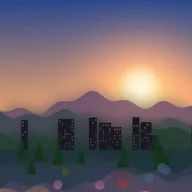
Blurs the layer and keeps the darker of the blur and the picture in each color, so shadows spread softly into the bright parts. Mask limits the effect to a rectangle, an ellipse or a polygon.
Settings
| Setting | Type | Range | Default |
|---|---|---|---|
| Level | Number | 1 to 100 | 50 |
| Mask | Choice | None, Rectangle, Ellipse, Polygon | None |
| Mask Position | Point (X, Y) | -1 to 2 | 0.5, 0.5 |
| Mask Width | Number | 0% to 200% | 50% |
| Mask Height | Number | 0% to 200% | 50% |
| Sides | Number | 3 to 12 | 6 |
| Feather | Number | 0% to 100% | 10% |